The WinWinBet app is available from the operator's own mobile-app page, which has Android and iOS download buttons and QR codes. On Android you download an installation file (APK), allow the install and log in. Never install copies shared on Telegram. There is also a mobile version of the site.
- Android and iOS buttons with QR codes on the operator's app page
- Android: download the APK and allow the install in settings
- Same account, balance and Telebirr cashier as the website
- A mobile version of the site works without installing anything
- Modified APKs from Telegram or mirror sites can steal your login
On this page
- Where Do You Download the WinWinBet APK?
- WinWinBet App for Android: How to Install the APK
- WinWinBet iOS: How to Get the App on iPhone
- What Does Your Phone Need?
- What Can You Do in the App?
- App vs Mobile Version: Which Is Better?
- Saving Data and Battery
- How to Update the App
- Why Won't the App Install? Common Fixes
- Is It a Safe Betting App for Ethiopia?
- Frequently asked questions
Ethiopian bettors are overwhelmingly mobile, and a good betting app can make the difference between catching live odds on a Premier League corner and watching a spinner. The WinWinBet app is offered for both Android and iOS from the operator's own mobile-app page.
Below you will find safe download and install steps, the iPhone route, what to check before installing and fixes for common errors.
WinWinBet Ethiopia Guide is an independent guide rather than the operator, and download buttons on this page are partner links that lead to the operator's own site.
Where Do You Download the WinWinBet APK?
The operator has a page titled "Place bets on the WinWinBet mobile app" with Android and iOS download buttons and QR codes. That page is the only source you should use.
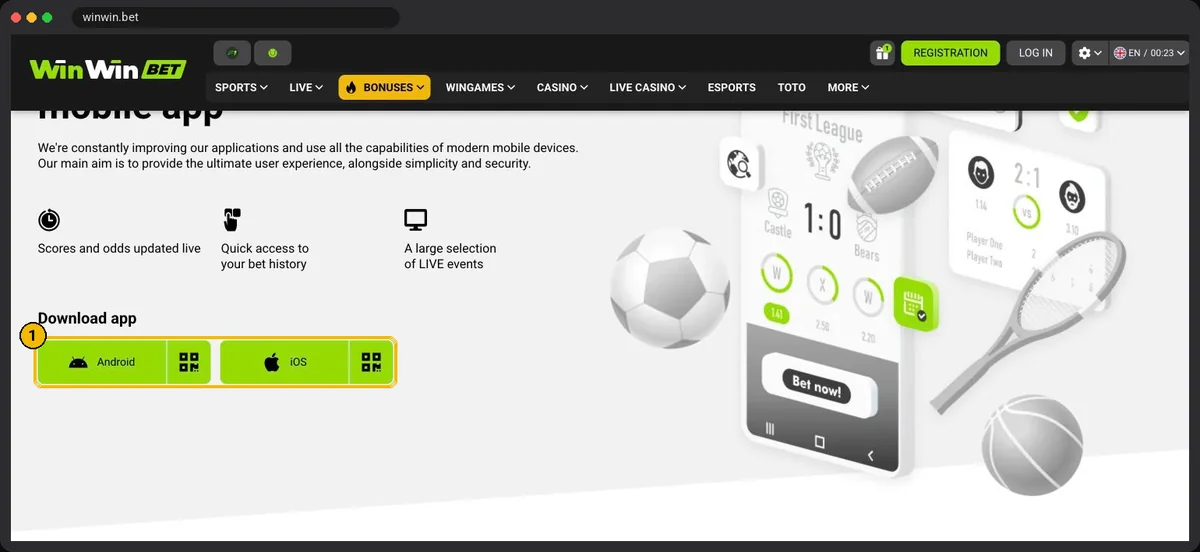
On Android the button downloads an installation file (APK) directly, which is how many betting apps are distributed. The homepage banner also promotes the app with extra personal bonuses for installing it; check the current terms on the site.
Warning: never install a WinWinBet APK sent in a Telegram group, shared over Bluetooth, or downloaded from an APK mirror site. Modified copies can record your password and Telebirr PIN.
WinWinBet App for Android: How to Install the APK
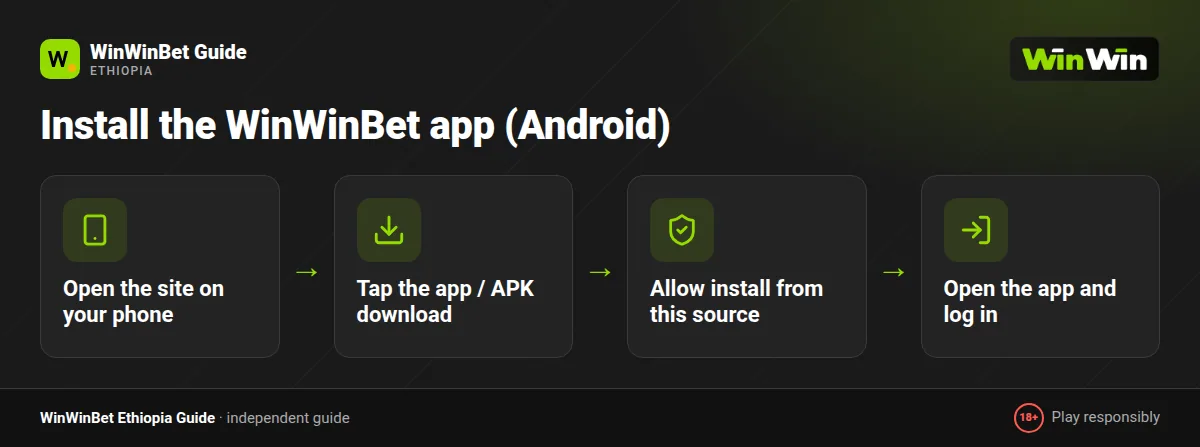
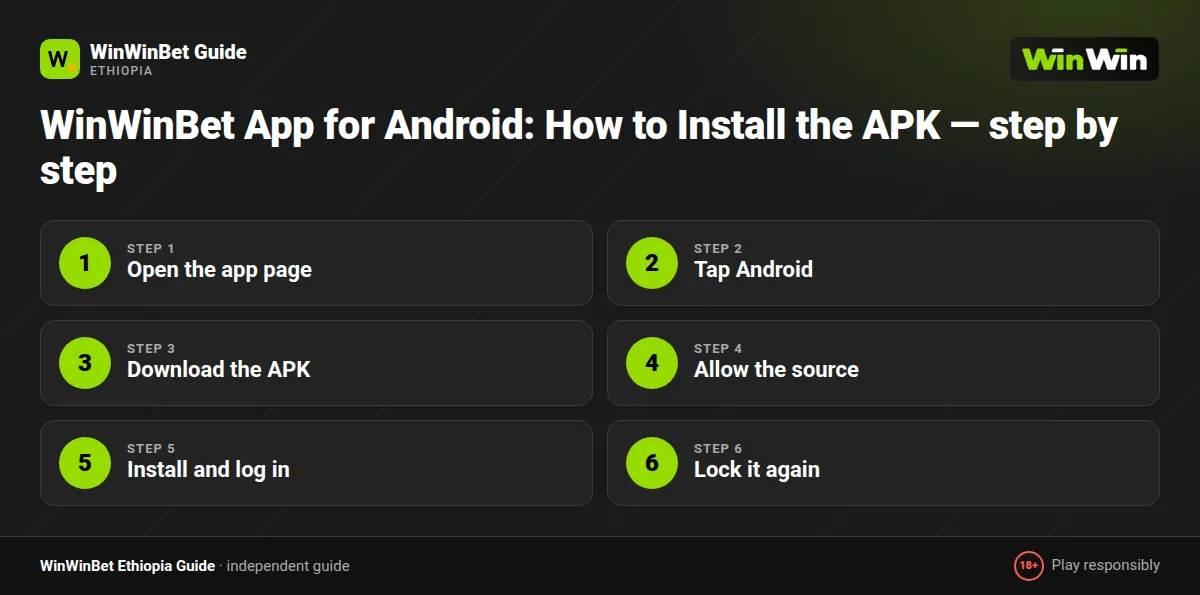
- Open the app page
Visit the WinWinBet site in Chrome and open the mobile-app page from the menu, footer or homepage banner.
- Tap Android
Tap the Android download button, or scan the QR code from a computer screen.
- Download the APK
Chrome shows a standard warning for any APK; confirm the download.
- Allow the source
If Android blocks the install, tap Settings and enable Allow from this source for Chrome.
- Install and log in
Tap Install, open the app and log in or register.
- Lock it again
Turn the unknown-sources permission for Chrome back off.
On Samsung, Tecno, Infinix and Itel phones, which are common in Ethiopia, the setting may be called Install unknown apps under Security or Apps. The wording differs, but the process is the same.
WinWinBet iOS: How to Get the App on iPhone
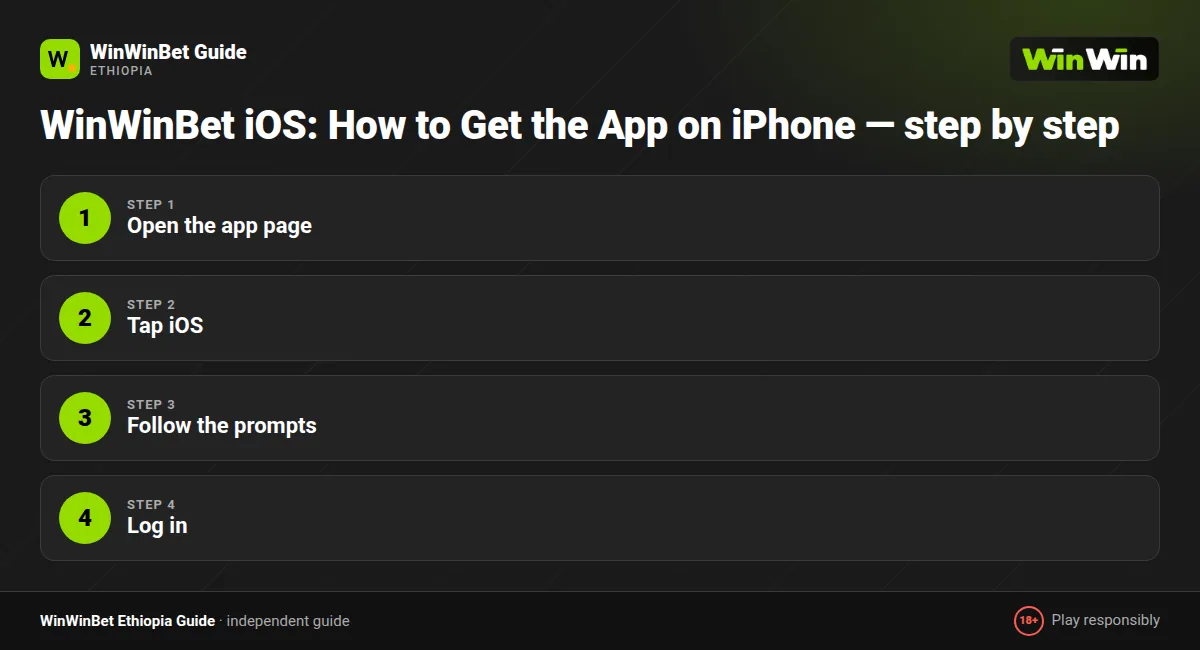
iPhones are less common in Ethiopia, but the operator's app page has an iOS button and QR code next to the Android one. Open the page in Safari and tap it, then follow the instructions shown.
- Open the app page
Visit the WinWinBet mobile-app page in Safari.
- Tap iOS
Tap the iOS download button or scan its QR code.
- Follow the prompts
Complete the installation steps the operator shows for your region.
- Log in
Open the app and sign in with your usual details.
If the iOS version is not available for your region or device, use the mobile version of the site: open it in Safari, tap Share and choose Add to Home Screen.
Do not install configuration profiles or apps from other websites that claim to be the WinWinBet iOS app.
What Does Your Phone Need?
The operator does not always publish fixed requirements, and they change with each version. The download page typically shows the current file size and supported Android versions, so check it before downloading.
| Item | Android | iPhone (web) |
|---|---|---|
| System version | A reasonably recent Android; check the download page | A current iOS with Safari |
| Free storage | Leave some spare space for the app and its updates | Browser cache only |
| Memory | More RAM helps with live betting and casino | Any supported iPhone |
| Connection | Works on 3G; 4G better for live casino | Same |
Budget phones with limited storage fill up quickly. Clearing old Telegram media usually frees enough space for the app.
What Can You Do in the App?
EPL, Ethiopian Premier League, Champions League and AFCON, pre-match and in-play.
Crash titles available in your region plus in-house WinGames.
Deposit in birr and withdraw to supported e-wallets or crypto.
Track the welcome package, 200% up to the equivalent of €400, and current promos.
Get alerts for bet results and offers, or mute them.
Set deposit limits and take breaks from the settings menu.
Everything in your account is shared across app and website, so your balance and bets are the same wherever you log in. Learn more about the offer on our bonus page, or see the Aviator guide for crash games.
In-play fans can read our live betting guide, and wallet steps are on the Telebirr betting page.
App vs Mobile Version: Which Is Better?
| Feature | Android app | Mobile site |
|---|---|---|
| Installation | Download from the operator's page | None, open in browser |
| Speed on 3G | Usually faster after the first launch | Slightly slower on first load |
| Staying logged in | Yes, until you log out | Until cookies are cleared |
| Push notifications | Yes | No |
| Storage used | Some space for the app and updates | Minimal |
| Access if site is slow | Often more stable | Depends on the network |
| Updates | Manual or in-app prompt | Automatic |
Pros
- Quick launch and stays signed in
- Push alerts for results
- Often more stable on weak connections
- Free
Cons
- Android needs a manual APK install
- Uses phone storage
- Manual updates
- Easy access can mean more betting than planned
If you bet several times a week, the app is worth it. If you only place the occasional accumulator on the weekend or your phone is nearly full, the mobile site does the job perfectly.
The mobile version needs no installation at all, which makes it the safest choice on a shared phone.
Saving Data and Battery
Mobile data is not cheap in Ethiopia, so a few settings go a long way. Turn off auto-play for live casino previews, switch the live match tracker to the simple text view if available, and disable image-heavy promotional banners in settings.
Closing the app fully after betting stops background odds updates, which also saves battery on phones that barely last a day. Daily or weekly bundles from Ethio Telecom and Safaricom Ethiopia are usually enough for sports betting alone; live dealer games are what burn through data.
How to Update the App
When a new version is released, the app usually shows a prompt on launch. Tap Update and follow the same install steps as before; your login and settings stay in place. If no prompt appears but something stops working, download the latest APK from the operator's site and install it over the old one.
Why Won't the App Install? Common Fixes
| Problem | Fix |
|---|---|
| App not installed error | Delete any older version first, free up storage and download the APK again |
| Parse error or package appears invalid | The download was incomplete; retry on a stable connection |
| Blocked by Play Protect | Confirm the file came from the official site, then choose Install anyway |
| App crashes on launch | Clear the app cache in phone settings, or reinstall the latest version |
| Cannot log in in the app | Check your password on the mobile site; see our login guide |
| Odds not updating | Check your data connection; switch between Wi-Fi and mobile data |
Still stuck with signing in? Our login guide covers SMS codes, resets and blocked accounts in detail.
Is It a Safe Betting App for Ethiopia?
An app that is always in your pocket makes betting very easy, sometimes too easy. Use the limit tools inside the app, turn off promotional notifications if they tempt you, and never bet money you need for rent, school fees or family.
The app is for adults aged 18 and over only, and you are responsible for following the rules that apply in your part of Ethiopia. If you ever feel it is getting out of hand, visit our responsible gambling page.
New to the platform? Start with our registration guide and create an account before installing, or register directly inside the app.
Frequently asked questions
Is the WinWinBet app free?
Yes, downloading and installing the app costs nothing. You only pay the data used to download it.
Where do I download the WinWinBet APK?
From the operator's own mobile-app page, using the Android button or QR code. Do not use files from Telegram groups or APK mirror sites.
Is the APK safe?
The APK from the operator's official website is the version to trust. Files from Telegram groups, file-sharing apps or mirror sites can be modified and are not safe.
Is there a WinWinBet iOS app?
The operator's app page has an iOS download button and QR code. If it is not available for your region, use the mobile version of the site in Safari.
Can I deposit with Telebirr in the app?
Yes. The app has the same cashier as the website, including Telebirr, e-wallets and crypto.
Does the app use a lot of data?
Sports betting uses little data. Live casino streams use much more, so play those on Wi-Fi if your bundle is small.
What Android version do I need?
It changes between app versions. Check the download page on the operator's site for the current requirements before installing.